FOXHOLE RADAR ESP EXPLAINED
Faction tabs, tracking lines, box types — what every option on the radar ESP tab does in plain English, and the three settings that matter on day one.
The radar ESP tab is the part of the Foxhole menu you will stare at most — so this guide explains every option in plain English and ends with the three settings that matter on day one. If you have never run an overlay before, start here.
The three info panels: infantry, vehicles, buildings
Every unit type on the field gets its own data block. Infantry info covers the soldiers — health, names and titles, what they are carrying. Vehicle info covers the trucks, tanks and gun placements, including what a destroyed hauler actually cost the enemy. Building info covers bunkers, garrisons and structures, with health bars that show which defensive line is near collapse. Together they answer the question binoculars cannot: what is behind the hill.
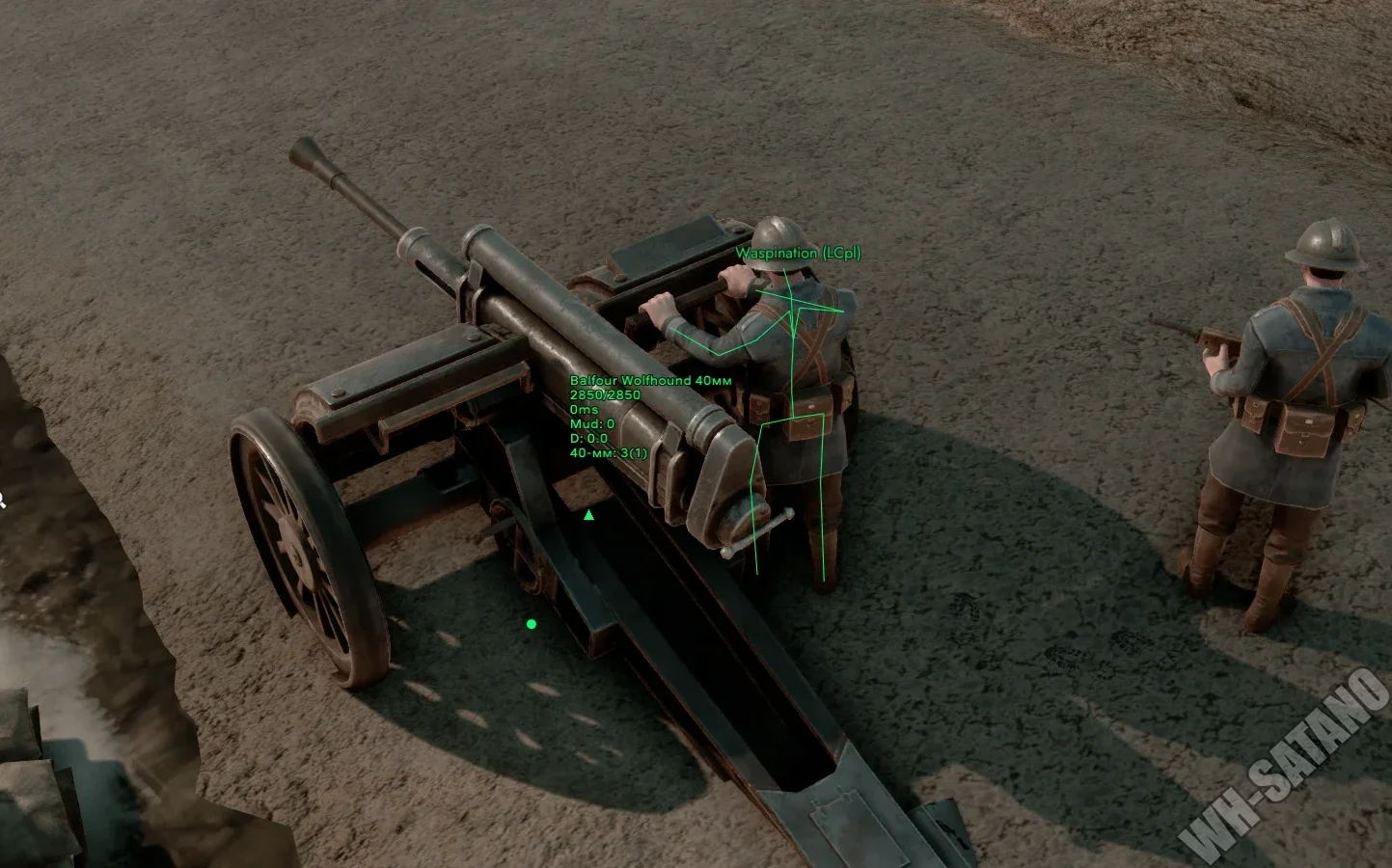
Faction tabs and colors — read a push in one glance
Ally, enemy and neutral units are separated by faction tabs and colors, which does two things at once. Friendly fire stops being a guessing game, and an enemy push reads instantly — the town ahead is either held by a squad or a whole regiment, and the color split tells you which before you commit. On a hundred-player front, that single distinction wins fights.
Boxes, skeletons and tracking lines
- Box types and skeletons — frame units through terrain, smoke and fortifications; pick the box style that stays readable at your engagement range.
- Tracking lines — a line from you to the unit, so a flanking partisan is a direction, not a dot. Hide-line-if-visible drops the line when you can already see the target, which keeps the screen clean.
- Always-visible models — forces renders through cover when you need the silhouette, not just the box.
- Health bars, inventory info, names and titles — turn on detail per unit type; know which truck carries supplies and which engineer is worth interrupting.
When to actually use it
Pushing a front: spot garrisons and defensive lines before they spot you. Running logistics: tracking lines expose the partisans hunting your supply route. Building and scouting: structure health shows what is about to fall, and names identify who is rebuilding it.
The three settings that matter on day one
Everything else — inventory info, local player info, minimap scale — tune later around the role you actually play.
Ready to run the whole menu?
One license covers radar ESP, the hex-scan maphack, automation and the artillery calculator. Key and loader land in your inbox the moment payment clears.
Unlock Radar ESPCheck Live StatusRelated guides
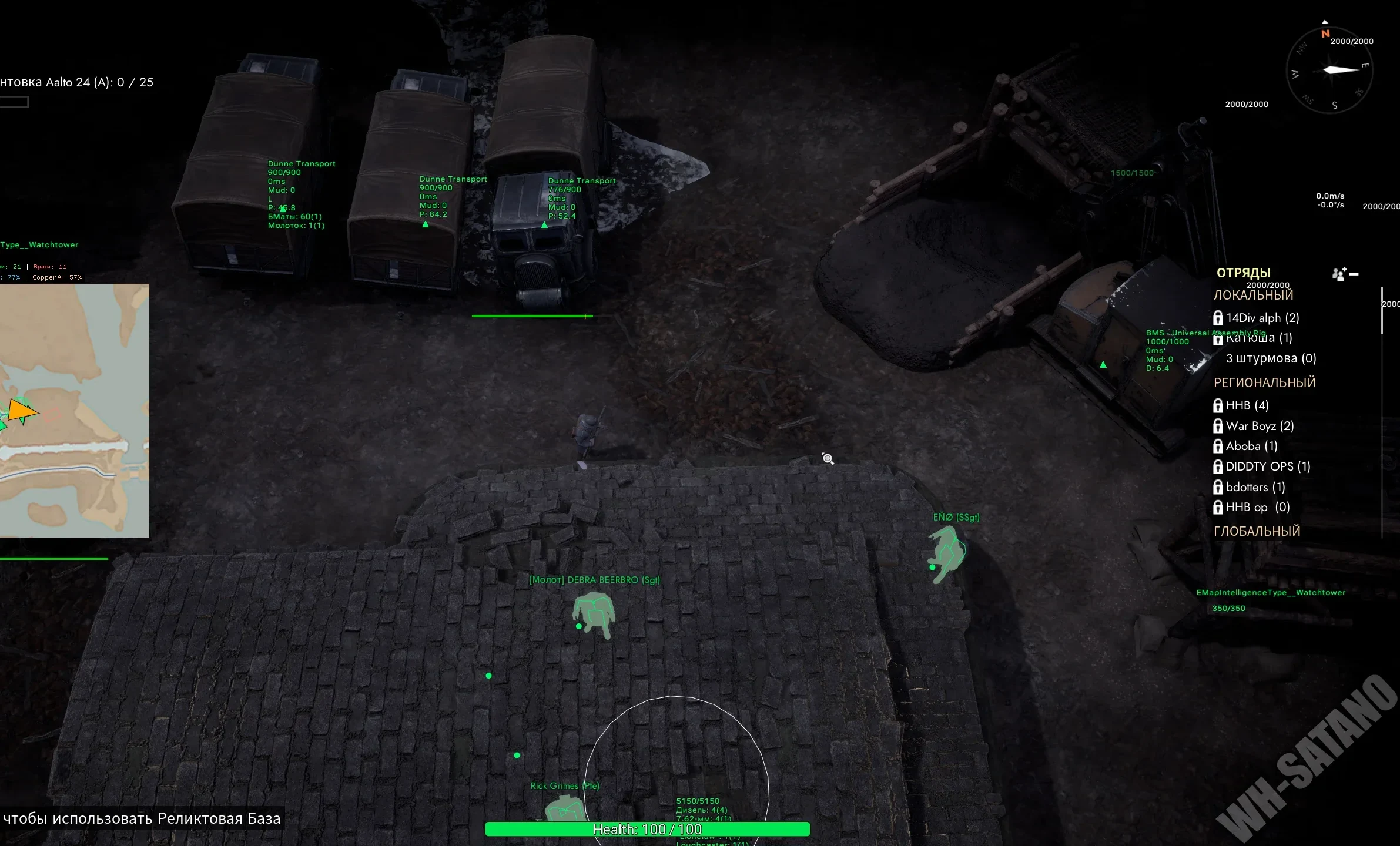 Sep 2026Foxhole Cheats 2026: Complete Undetected GuideEverything in the seven-tab menu, what undetected actually means after a Siege Camp patch, and how to stay safe season after season.
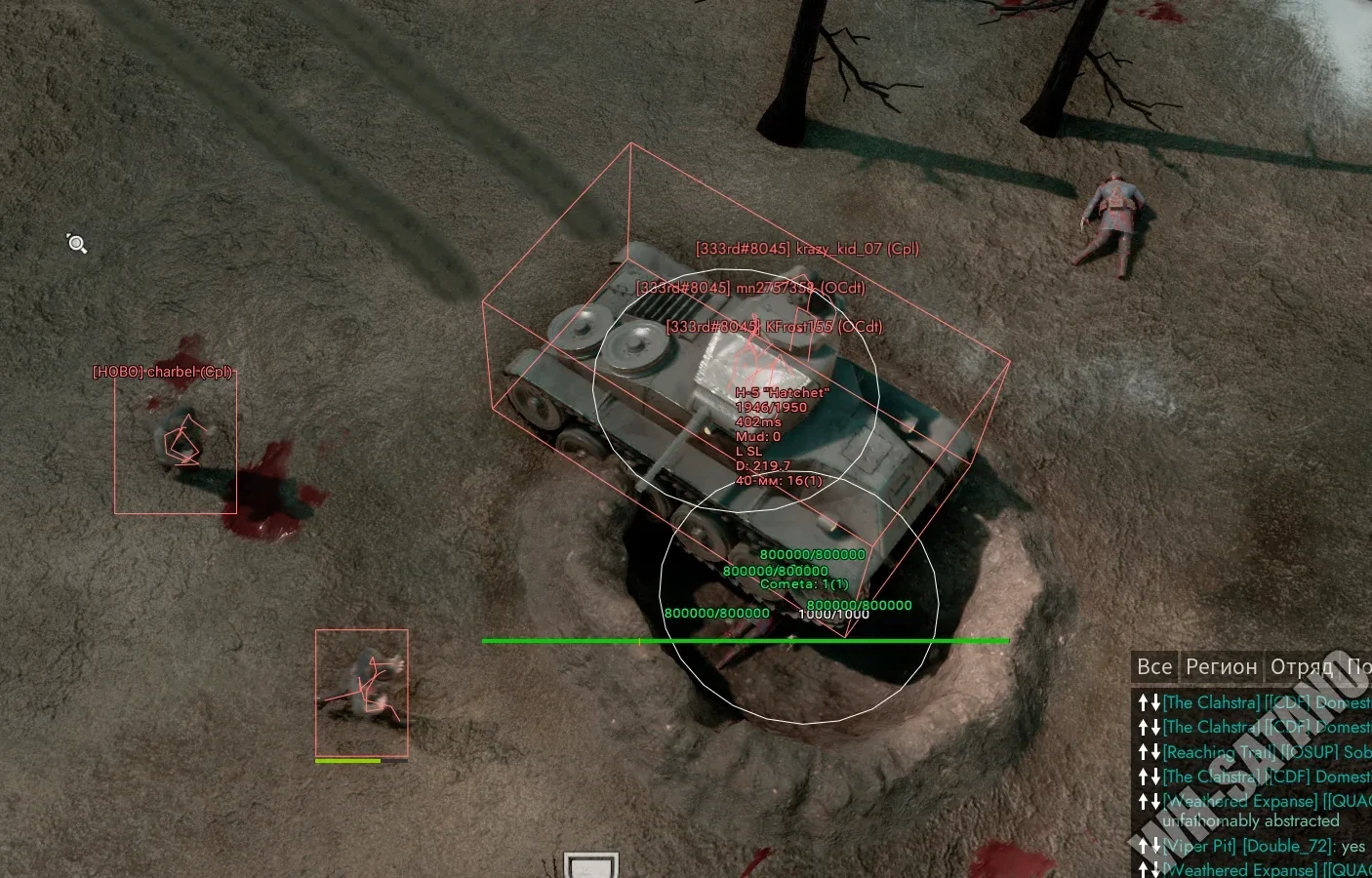 Sep 2026Artillery Calculator Settings That Actually Land ShellsScan, solve, fire, relocate: a crew workflow that puts your first shell on target and your battery back under cover.
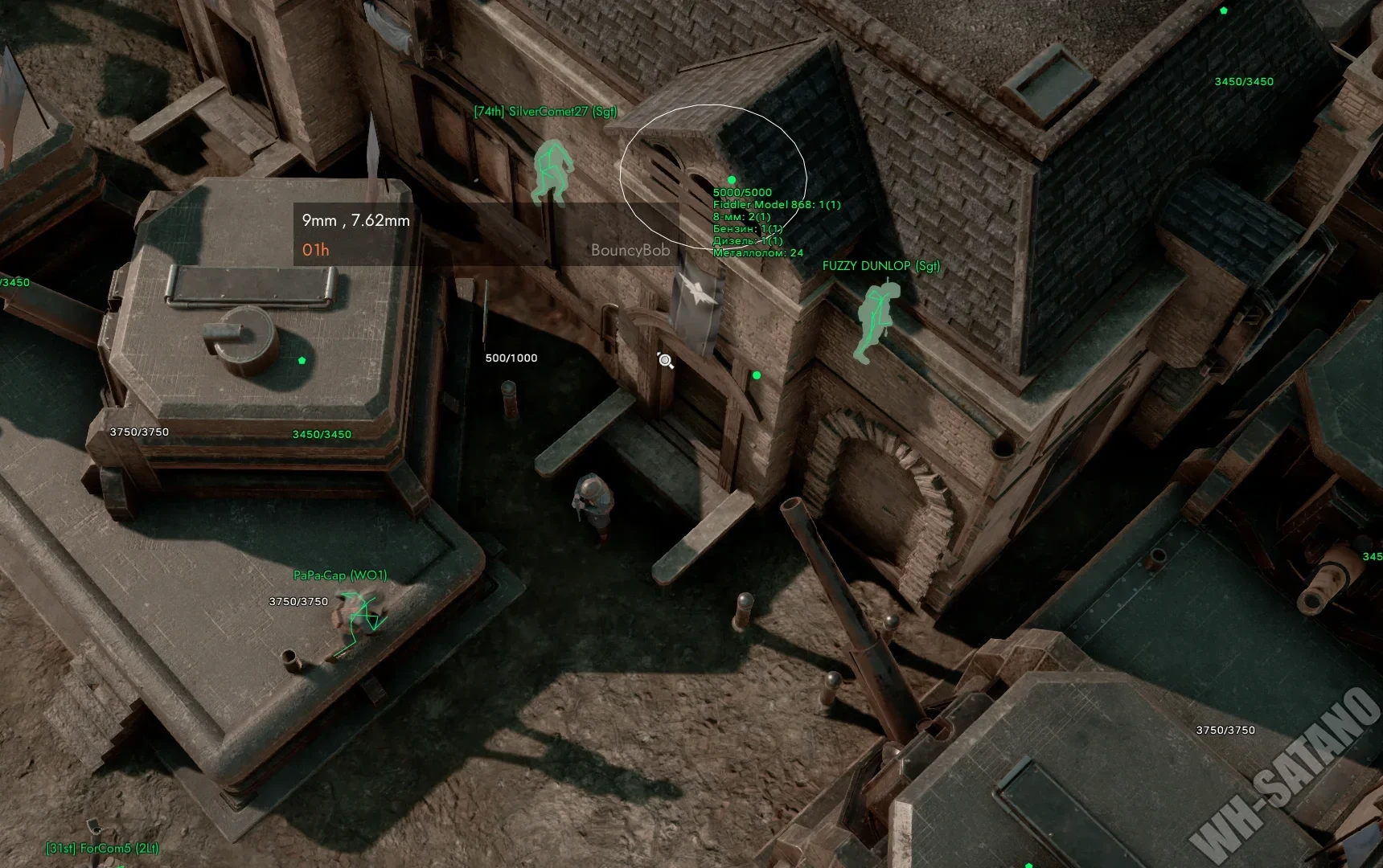 Sep 2026All Foxhole GuidesEvery guide in one place — ESP walkthroughs, maphack tactics, artillery workflows and patch-day habits.